Contacts - Caller ID & Spam
- 4.0
- Rating
- 10.00M
- Installs
- Free
- Price

 Analysis by App-foxy
I usually notice a dialer app only when the default phone app starts slowing me down. Contacts - Caller ID & Spam caught my attention because it combines everyday calling with contact management, caller identification, and spam protection instead of treating those as separate jobs. After spending time with it, I see the appeal: it is designed to make the small moments around a phone call quicker, especially when I am searching for someone, checking an unfamiliar number, or trying to keep my address book usable.
This is a free communication app from Kushaq, available for users on Android 7.0 and newer. It is rated for Everyone, and its current version is 1.1.5. The app has already reached over ten million installs and holds a 4.1 average from around twelve thousand ratings, so it is not an obscure experiment that disappears after a few days. Still, popularity alone does not answer the important question: does it deserve a permanent place in the phone routine, or does it feel useful only during the first week?
What feels useful during the first week
The immediate attraction is the way the app puts several contact-related actions in one place. Instead of opening a separate tool to search contacts, another screen to make a call, and a different service to investigate suspicious numbers, I can begin with the person or number in front of me. That reduces the amount of switching I normally do during a busy day.
You May Also Like

 Blood Strike: 2.5 Anniversary
Blood Strike’s Loadouts Turn Every Drop Into a Tactical Gamble
A close look at Blood Strike’s custom loadouts: how fast access to signature weapons reshapes its battle royale rhythm, rewards preparation, and narrows the gap between fights.

 Pandora - Music & Podcasts
Pandora’s Music Is Easy to Start, but Harder to Recover
Pandora’s strength is its low-effort path from a seed to a station. Its weak spot is how much confidence it asks you to place in connection, setup, and quiet recovery.

 8 Ball Pool
 Is Built on Rivalries, Rematches, and Routine
A close look at the rivalries, rematches, shared routines, and unanswered safety questions that turn a quick pool match into a persistent mobile community.

 Samsung Music
’s Quiet Strength Is Playing What You Already Own
Its reach comes less from spectacle than from dependable access to a personal library. That simplicity is both the app’s strongest retention engine and its ceiling.

 AccuWeather: Weather Radar
AccuWeather Review: A Quick, Clear Forecast for Everyday Decisions
For everyday plans, the best forecast is the one you can understand quickly. AccuWeather makes rain timing, radar, and local conditions easy to act on, with a few trade-offs.

 Hill Climb Racing
Why Hill Climb Racing Still Turns Crashes Into One More Run
A tiny car, a bumpy hill and one more upgrade: Hill Climb Racing keeps resurfacing because its simple chaos makes every near-miss feel personal.
More From Our News Desk



In my first week, the strongest benefit was not a dramatic new feature. It was the reduction of small interruptions. When I needed to call a saved contact, a fast dialer made the action feel more direct. When an unknown number appeared, caller ID and spam protection gave the incoming call more context before I decided whether to answer. Those seconds matter when the phone rings during work, while shopping, or when I am already handling another task.
The contact manager is also more useful when approached as a daily tool rather than a one-time cleanup utility. I often remember a person by the reason I know them rather than by their full name. A focused contact screen can make that search less frustrating, particularly for people with large address books containing old entries, duplicated names, and numbers saved without much detail.
A realistic example is a delivery call. I may be expecting a parcel but not recognize the number. With a normal dialer, I have to decide between answering immediately, ignoring it, or searching the number afterward. A caller ID and spam-focused workflow gives me another layer of information before I react. It does not remove the need for judgment, but it makes the decision less blind.
That distinction is important. I would not treat any caller identification result as proof that a call is safe. Numbers can be recycled, businesses can call from different lines, and unwanted callers can change tactics. The practical value is triage: the app helps me decide which calls deserve attention first. It is a filter for attention, not a replacement for caution.
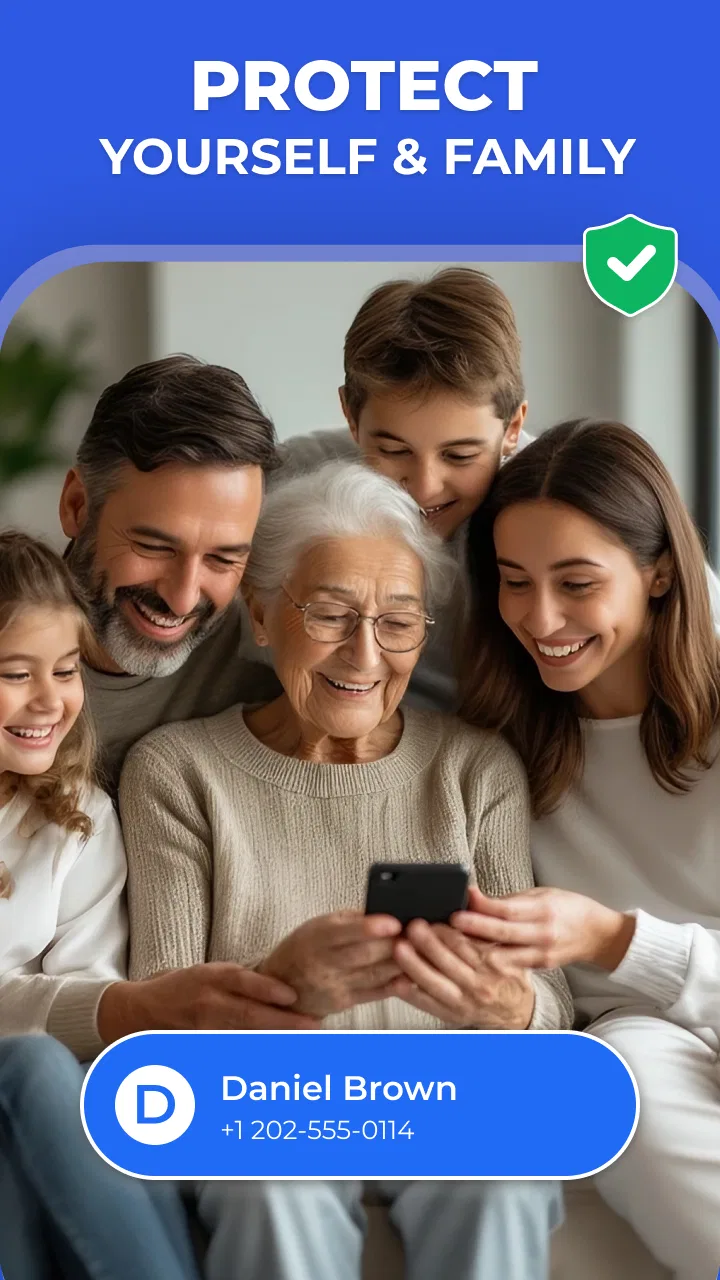
The app is also approachable for someone who does not want a complicated communications suite. Its purpose is easy to understand, and the age rating of Everyone makes it suitable for a broad household audience. A family member who wants a clearer way to handle contacts and unfamiliar calls may find it less intimidating than a feature-heavy productivity app.
Where it beats the usual phone setup
The default dialer already handles basic calls well, so Contacts - Caller ID & Spam has to earn its place through convenience. Its advantage is concentration. A standard phone app may be perfectly adequate for calling someone already saved, but it does not always make the surrounding decisions feel equally organized. The Kushaq app is aimed at the gap between “I know exactly who I want” and “I need help understanding this number.”
Compared with a standalone contact manager, it is more practical for people who want contact organization tied directly to calling. Compared with a separate spam-blocking service, it keeps the experience closer to the phone’s central communication task. The trade-off is that a dedicated specialist may offer deeper controls in one narrow area, while this app is trying to balance several related jobs.
That balance is why I would recommend trying it before committing to a complete change in phone habits. The first-week test is simple: use it for routine contact searches, incoming calls from unfamiliar numbers, and one small address-book cleanup task. If those actions become easier without creating new friction, the app has a reasonable chance of becoming a lasting utility.
Why the value can continue after the novelty fades
Communication apps often feel impressive at first because they change the phone screen I see most frequently. The harder test comes later, when the novelty disappears. For this app, recurring value depends on whether caller context and contact access remain useful in ordinary situations rather than only during a deliberate trial.
I think the strongest long-term case is for people who receive many calls from numbers they do not immediately recognize. That includes freelancers, small business owners, parents coordinating activities, people waiting for appointments, and anyone whose work or daily life involves new contacts. For them, the app can save repeated moments of uncertainty. The benefit is modest each time, but it can accumulate across a month.
It is less compelling for someone who rarely answers unknown calls and keeps a small, tidy address book. If nearly every call comes from a familiar person and the built-in phone app already feels fast, switching may not produce a meaningful improvement. In that situation, the extra layer could become something I maintain without receiving much in return.
One useful habit is to treat the contact manager as a capture point for new relationships. After a call, I can review whether the person’s entry is descriptive enough for the next interaction. Saving a number with a vague label such as “John” may be fine today but unhelpful later. A better workflow is to add context while the conversation is still fresh, such as the organization or reason for contact. That is not glamorous, but it is where a contact app earns recurring value.
Another practical use is preparing before a busy period. If I know I will be calling several people, reviewing the relevant contacts in advance can prevent last-minute searches. I can also use the app as a quick check on whether an old number is still attached to the right person before placing a call. This is especially helpful when several entries look similar.
The app’s audience size suggests that the basic idea has broad appeal. It has around fifty-eight reviews listed alongside its broader rating activity, while the much larger install base shows that many people are willing to try it. I would read that as evidence of interest, not as a guarantee that every user will find it indispensable. Communication habits vary more than app-store numbers reveal.
Small workflows that make it more worthwhile
The first workflow I recommend is an unknown-call pause. When a number appears, I check the caller information before answering, then decide based on context rather than urgency alone. If I do answer and discover it is legitimate, I save it immediately with enough detail to recognize it next time. This turns a one-off caller ID moment into a better contact list.
The second is a weekly contact pass. I would not attempt a huge address-book overhaul. Instead, I would spend a few minutes reviewing recently used contacts and correcting the entries that are most likely to matter again. This keeps maintenance small and makes the manager more valuable over time.
The third is separating “unknown” from “unwanted.” An unfamiliar number is not automatically spam, and a familiar-looking number is not automatically trustworthy. Keeping that distinction in mind prevents the app from encouraging overconfidence. The best use of its protection tools is to reduce noise while leaving the final decision with me.
A fourth insight is that speed matters more than visual novelty for this kind of app. If the app helps me reach a contact with fewer steps, I notice it repeatedly. If it merely presents the same information in a different style, I stop caring after the initial installation. That is why I judge it by repeated tasks rather than by how impressive the first launch feels.
The maintenance burden I would expect
Every app that touches contacts creates some responsibility. Even when the interface is simple, I still need to keep entries understandable, avoid saving duplicates, and decide how much information belongs in each contact. Contacts - Caller ID & Spam can make those jobs more accessible, but it cannot make an untidy address book maintain itself.
The good news is that the maintenance can be folded into normal calling. When I finish a conversation with a new person, I can update the contact then instead of postponing it. When I notice an old entry, I can correct it while I am already looking for someone else. This is a better long-term approach than waiting for the address book to become so messy that cleanup feels like a project.
The less comfortable part is deciding how much control I want to give a communication tool over my calling experience. Before making it a primary dialer or relying heavily on its protections, I would review the app’s requested access and the phone’s own settings carefully. The exact choices available can depend on the device and Android setup, so I would not assume that every phone presents the same behavior.
I would also keep the system’s original calling option available until I had tested the app through a normal week. That is not a criticism of Kushaq; it is sensible with any replacement for a core phone function. If a call-handling change feels awkward, I want an easy route back while I decide whether the new workflow is genuinely better.
Version 1.1.5 indicates that the app is still receiving active version attention, which is encouraging for a utility that needs to remain compatible with changing phones and calling habits. At the same time, a newer version is not automatically a reason to change every setting immediately. I prefer to update, test the basics, and then confirm that my preferred contact and calling behavior still feels comfortable.
Privacy and trust in daily use
Caller ID and spam protection naturally make me think about trust. I would be careful about treating labels as definitive, and I would avoid sharing more contact information than necessary when setting up any communications app. My rule is simple: use the information to make a better decision, not to build a false sense of certainty.
I would also explain that rule to less technical family members. Someone who sees a warning may assume the call is dangerous, while someone who sees no warning may assume it is safe. Neither conclusion is guaranteed. The app is most useful when it adds context to a decision that still includes common sense, timing, and knowledge of who might legitimately be calling.
For people who need a highly controlled business contact database, this may not be enough on its own. A dedicated professional system can be better for shared records, detailed notes, or structured customer histories. This app is more naturally suited to personal calling and everyday contact handling than to complex organizational workflows.
What could cause fatigue over time
The main risk is notification and decision fatigue. A tool designed to protect me from unwanted calls can become irritating if it demands attention for every unfamiliar number or makes ordinary calling feel more complicated. I would keep only the alerts and behaviors that solve a real problem for me. If a setting adds noise without improving decisions, it is not earning its place.
There is also a psychological fatigue that comes from constantly evaluating callers. People who already screen every call may find the additional information reassuring, but they may also spend more time checking labels than they save. In my view, the app works best when it shortens uncertainty. It works less well when it turns every incoming call into a small investigation.
Another possible source of friction is habit conflict. Android users may already be comfortable with the phone maker’s dialer, search gestures, favorites, and contact synchronization. Even a capable alternative can feel slower if it breaks muscle memory. I would judge the switch by actual repeated actions: how quickly I can find a person, return a call, and understand an unfamiliar number. A visually cleaner screen is not enough if those tasks take longer.
Contact duplication can also undermine the experience. If I move between different contact tools without a consistent cleanup habit, I may end up with repeated entries or uncertainty about which record is current. The app can be part of a better system, but it is not a substitute for choosing one main place to maintain contacts.
Finally, spam protection has an unavoidable trade-off: aggressive filtering can reduce nuisance calls, while cautious filtering may leave more decisions to me. I would rather tolerate a little manual checking than miss an important call. Users who have zero tolerance for interruptions may prefer a more specialized blocking solution, while users who need to remain reachable should be conservative.
My long-term verdict on keeping it installed
After the first impression fades, I still see a reason to keep Contacts - Caller ID & Spam installed, but not for everyone. Its lasting value comes from combining three recurring needs: reaching saved people quickly, understanding unfamiliar callers, and gradually keeping contact information useful. Those needs appear often enough in my routine that the app can become a practical background tool rather than a novelty.
I would recommend it to anyone who receives a mixed stream of personal, work, service, and unknown calls. It is particularly sensible for people whose address books have grown beyond the point where the default search feels comfortable. The free price also makes experimentation straightforward, and the Everyone rating keeps it accessible for general household use.
I would skip it if my phone’s built-in dialer already handles my small contact list perfectly and I rarely need caller context. I would also look elsewhere if I needed advanced shared business records, highly specialized blocking controls, or a communications system built around a team rather than one person.
My advice is to install it with a clear test rather than changing everything at once. Use it for a week of real calls, save new contacts with useful labels, and notice whether the caller information helps you make decisions faster. Then reduce any settings that create noise. If the app continues saving time during ordinary calls after that adjustment, it has earned lasting space.
For me, the strongest recommendation is not that it transforms the phone. It does something more grounded: it improves the repeated moments surrounding communication. When the app stays quiet, helps me identify what matters, and makes contact upkeep easier, it earns its place through habit rather than hype. That is a solid standard for a free dialer and contact manager, and this one meets it best for users who regularly deal with unfamiliar numbers.
FAQs for Contacts - Caller ID & Spam
01What features does the Contacts - Caller ID & Spam app offer?
The Contacts - Caller ID & Spam app provides a comprehensive suite of features including caller identification, spam detection, and contact management. It allows users to identify unknown callers, block spam calls, and organize their contacts efficiently. The app also offers syncing across devices, ensuring that contact information is always up-to-date and accessible.
02How does the app identify and block spam calls?
The app uses a robust database of known spam numbers and employs real-time updates to recognize and block unwanted calls. It analyzes call patterns and user reports to enhance its spam detection capabilities. Users can also manually add numbers to the block list, contributing to the app's overall effectiveness in preventing spam.
03Is the Contacts - Caller ID & Spam app free to use?
The app offers a free version with essential features such as caller ID and basic spam protection. However, for advanced capabilities like enhanced spam filtering, ad-free experience, and priority support, users may opt for a premium subscription. This provides a more comprehensive and uninterrupted service.
04Can I customize the contact management features in the app?
Yes, the app allows extensive customization of contact management features. Users can create custom contact groups, add detailed information, and organize contacts with tags or notes. The app also supports syncing with various cloud services, making it easy to keep your contact list organized and accessible from any device.
05How does the app ensure user privacy and data security?
The Contacts - Caller ID & Spam app prioritizes user privacy by implementing strict data protection measures. It encrypts sensitive data and adheres to privacy regulations to prevent unauthorized access. The app requires minimal permissions, ensuring that any data collected is used solely to enhance app functionality and user experience.
Pros
- Accurate caller ID detection.
- Blocks spam calls effectively.
- User-friendly interface design.
- Customizable contact management.
- Integrates with social media.
Cons
- Occasional misidentification of calls.
- Ads can be intrusive at times.
- Limited free features available.
- Requires internet for full functionality.
- Battery consumption may increase.

Contacts - Caller ID & Spam
Gallery